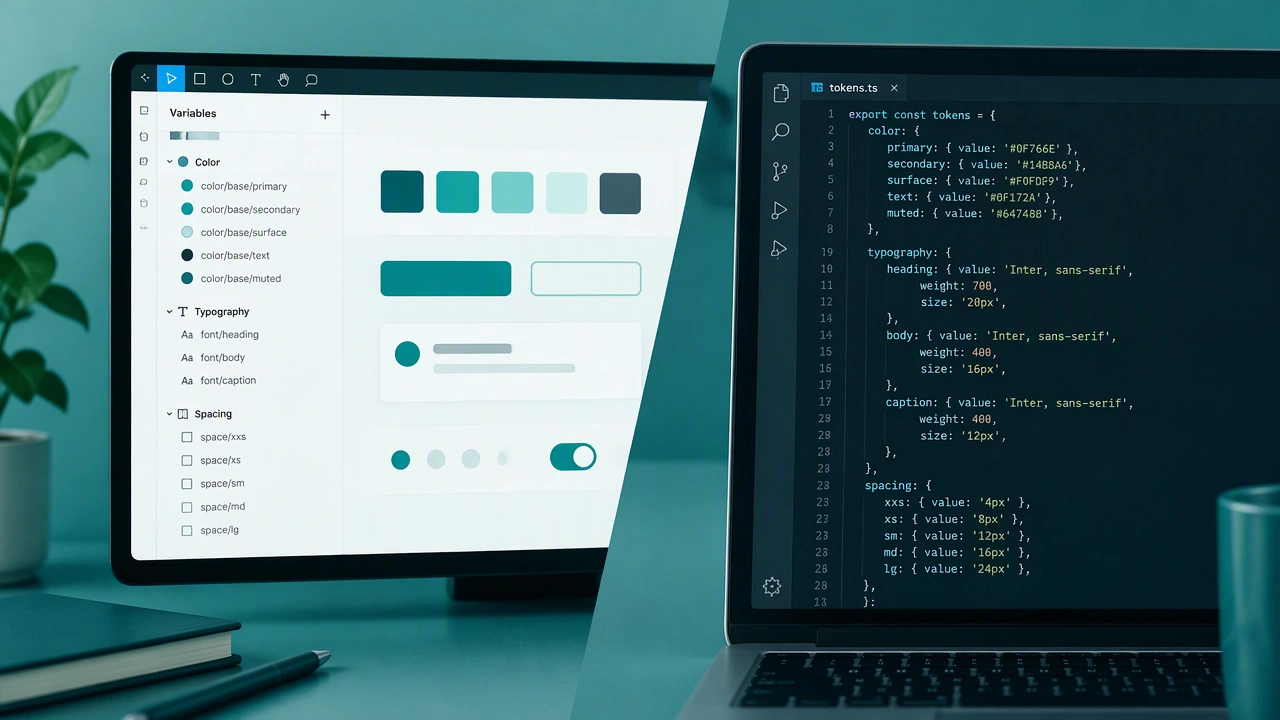
Keeping design tokens synchronized between Figma and your codebase saves time and prevents inconsistencies. Start by defining your tokens in Figma using variables for colors, spacing, typography, and elevation. Use a naming convention that maps directly to your code structure, such as color.primary.default or spacing.md. Tools like Token Studio or Figma Variables API can export tokens as JSON files. Set up a pipeline that pushes exported tokens into your repository, where a build step transforms them into platform-specific formats like CSS custom properties, Swift constants, or Android XML resources. Automate this with GitHub Actions or a similar CI tool so updates happen without manual steps. Document your token naming rules so both designers and developers stay aligned. A reliable token pipeline reduces handoff friction and keeps your interface consistent across every platform.